
Connecting ASSISTments with Claude
Connecting ASSISTments with Claude
Explore frequently asked questions to help you get the most out of ASSISTments.
.svg)
Generate trusted, standards-aligned math problems and publish and assign to your students in ASSISTments. In ASSISTments, the problems will autoscore as students complete, giving them immediate feedback. Build the practice students need with auto-graded, interactive problems and gain access to real-time student learning data.
With our new ASSISTments Connector, teachers can use Claude to create new problems, generate variations, and turn existing materials into ready-to-assign content that’s grounded in the research-backed workflows of ASSISTments.
Why Connect ASSISTments to Claude?
By using Claude with ASSISTments, you can:
- Create standards-aligned math problems in seconds
- Generate differentiated versions of existing problems
- Assign problems and access actionable student data in ASSISTments
Claude acts as an AI co-pilot while ASSISTments provides a trusted formative assessment layer with just in time support and data to guide teachers and power meaningful classroom learning.
Video Tour
Getting Started
Getting started takes only a few minutes.
1. Verify your Claude teacher account here.
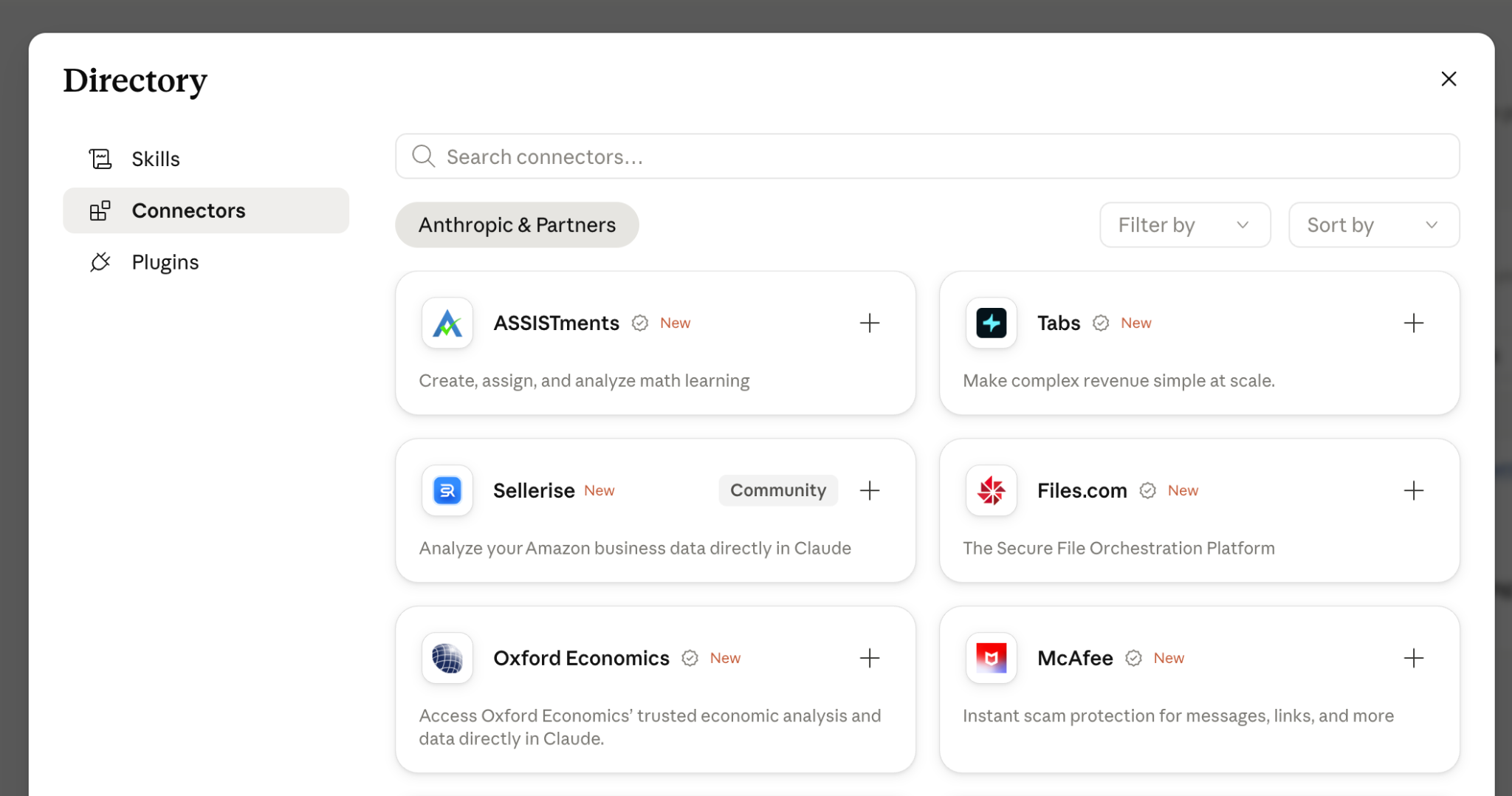
2. In your verified Claude teacher account select ‘Customize’ on the Navigation panel and click “Connectors”
3. Select ASSISTments to connect to your Claude account
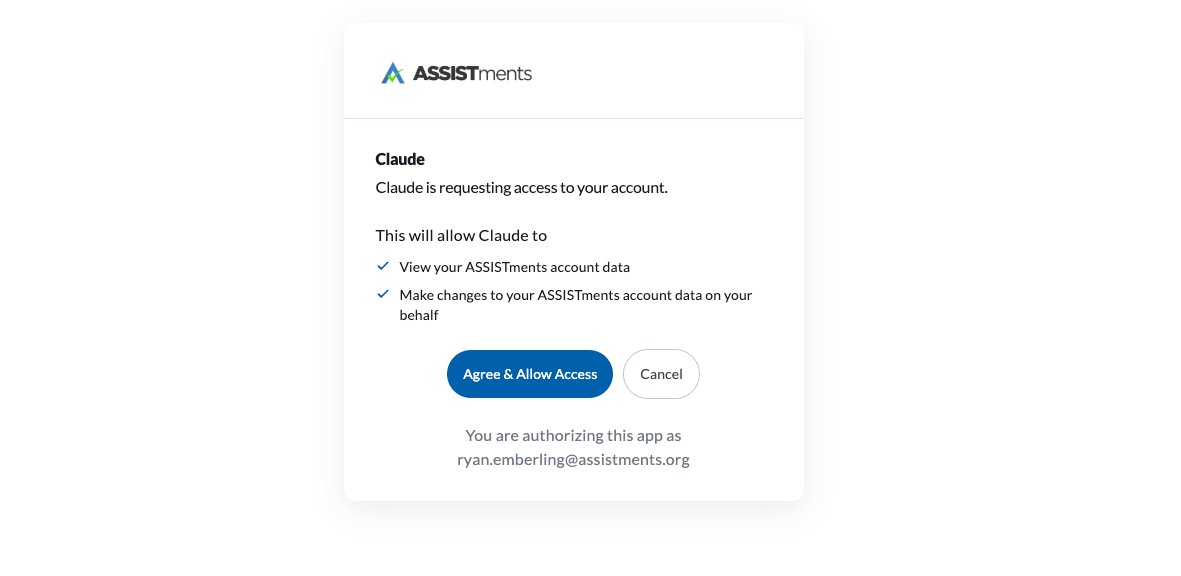
4. Log into your ASSISTments Account and allow Claude access.
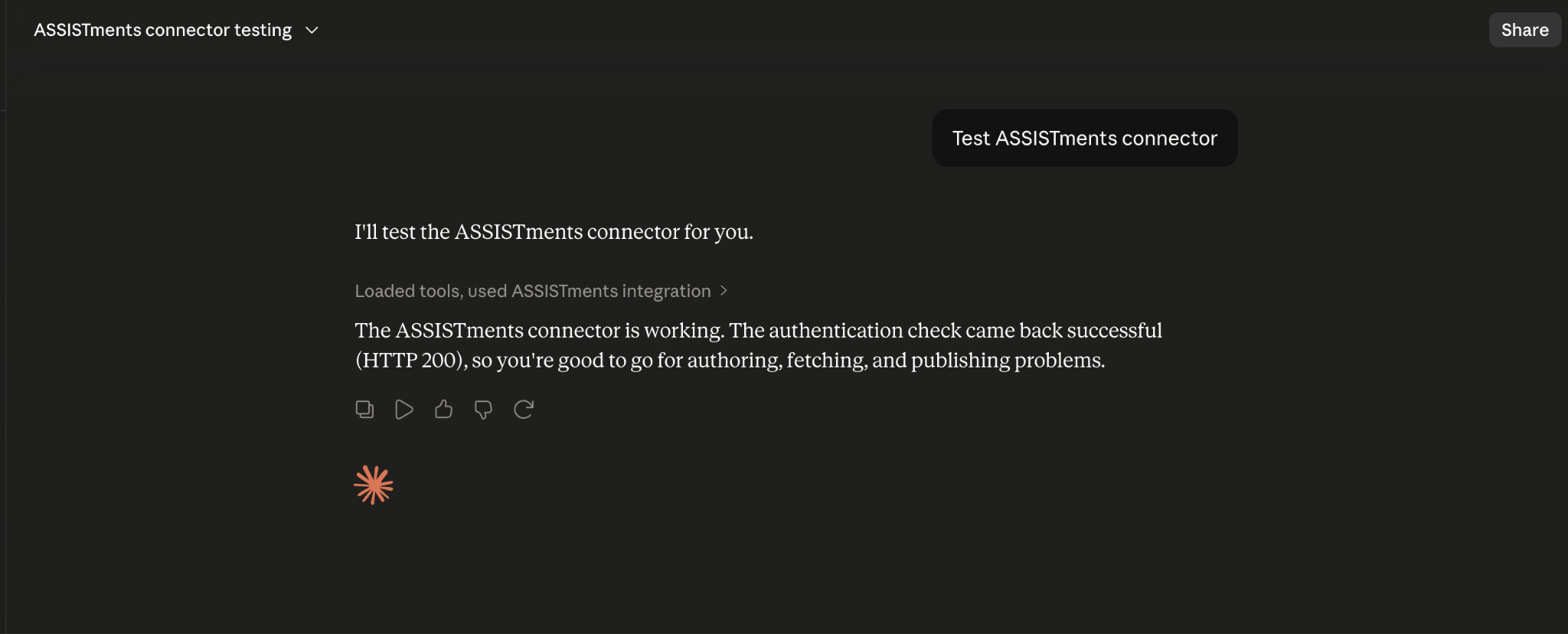
5. Test connection to Claude.
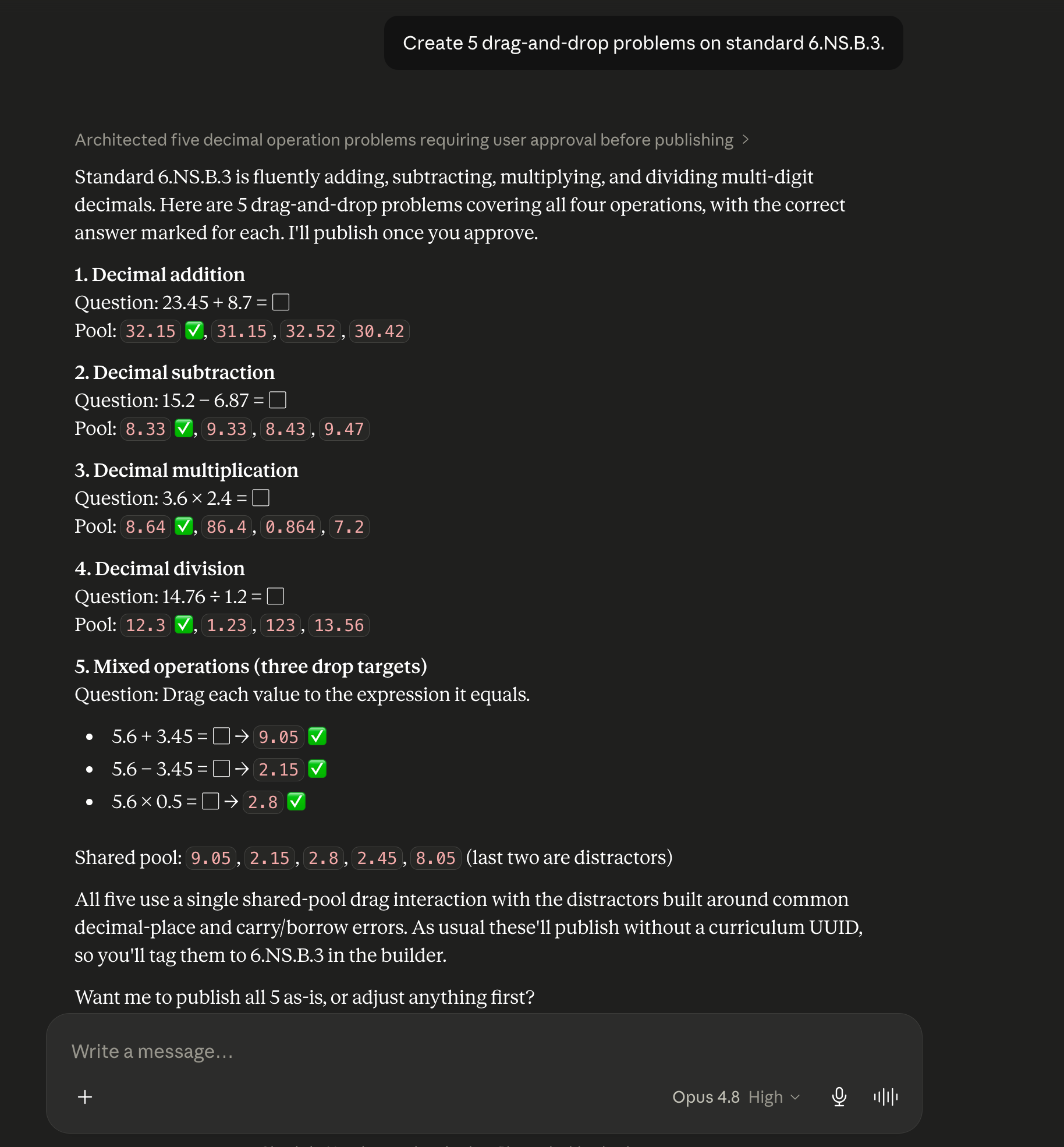
6. Ask Claude to create a problem or generate a variation.
7. Start assigning activities through ASSISTments.
Note: for first time ASSISTments users, you will be prompted to create your free ASSISTments account prior to assigning.
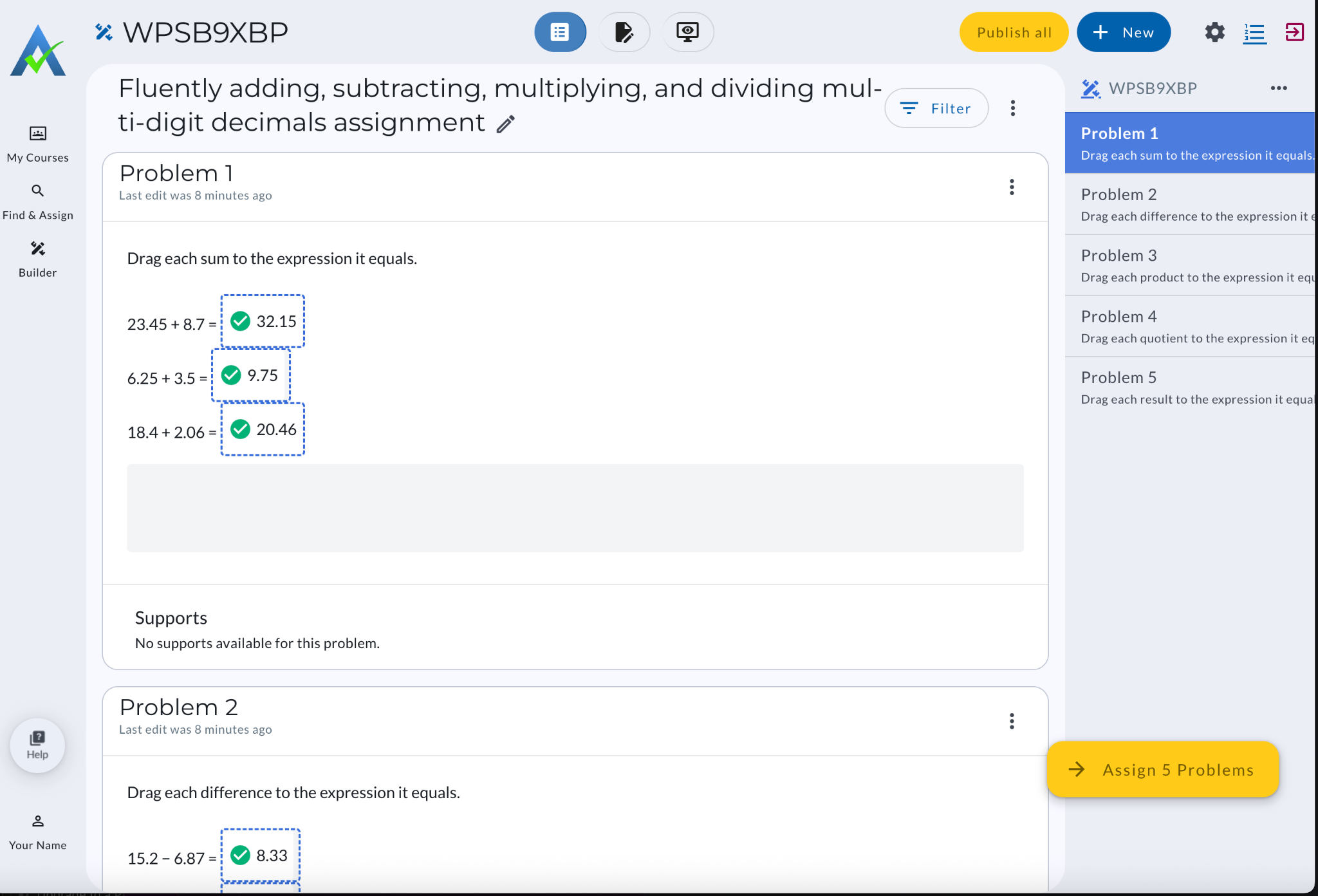
8. Use student data and insights available in ASSISTments to inform instruction.
Learn more about setting up your ASSISTments account here.
Examples
Once you’ve created your ASSISTments account and connected it to Claude, you can ask specific questions to create a problem or generate a variation of a problem.
Give these prompts a try:
- Create 5 drag-and-drop problems on standard 6.NS.B.3.
- Create 5 problems on the skill rounding to the nearest 10.
- Create 3 similar but not the same problems as this one: A company uses 40 pounds of beef to make 16 pounds of beef jerky. The company has 4,000 pounds.
- Create 3 similar problems to this <PRBxxx> from ASSISTments.
Frequently Asked Questions
Do I need an ASSISTments account?
Yes. You'll need an ASSISTments account to create, save, and assign problems. Learn more about getting started below:
What LMS does ASSISTments support?
ASSISTments integrates seamlessly with a wide range of Learning Management Systems. Depending on what LMS you use, the process for setting up an account and getting started looks different. Learn more here.
Can I use existing paper materials?
Yes. You can upload images of worksheets or other resources and have Claude help transform them into digital assignments.
Will students interact with Claude?
No. Students continue working within ASSISTments. Claude acts as a teacher-facing assistant for creating and preparing practice problem sets.
Is student data shared through the MCP?
No, student personally identifiable information is never transmitted through the MCP. The system is designed with security and privacy in mind.
Who is this for?
The ASSISTments MCP server is designed for math teachers, instructional coaches, curriculum leaders, and AI-enabled educators looking to accelerate high-quality instructional planning.

Didn't Find What You Were Looking For?
.avif)
Charitable Number: 83-4228740


