


Make Math Practice Count
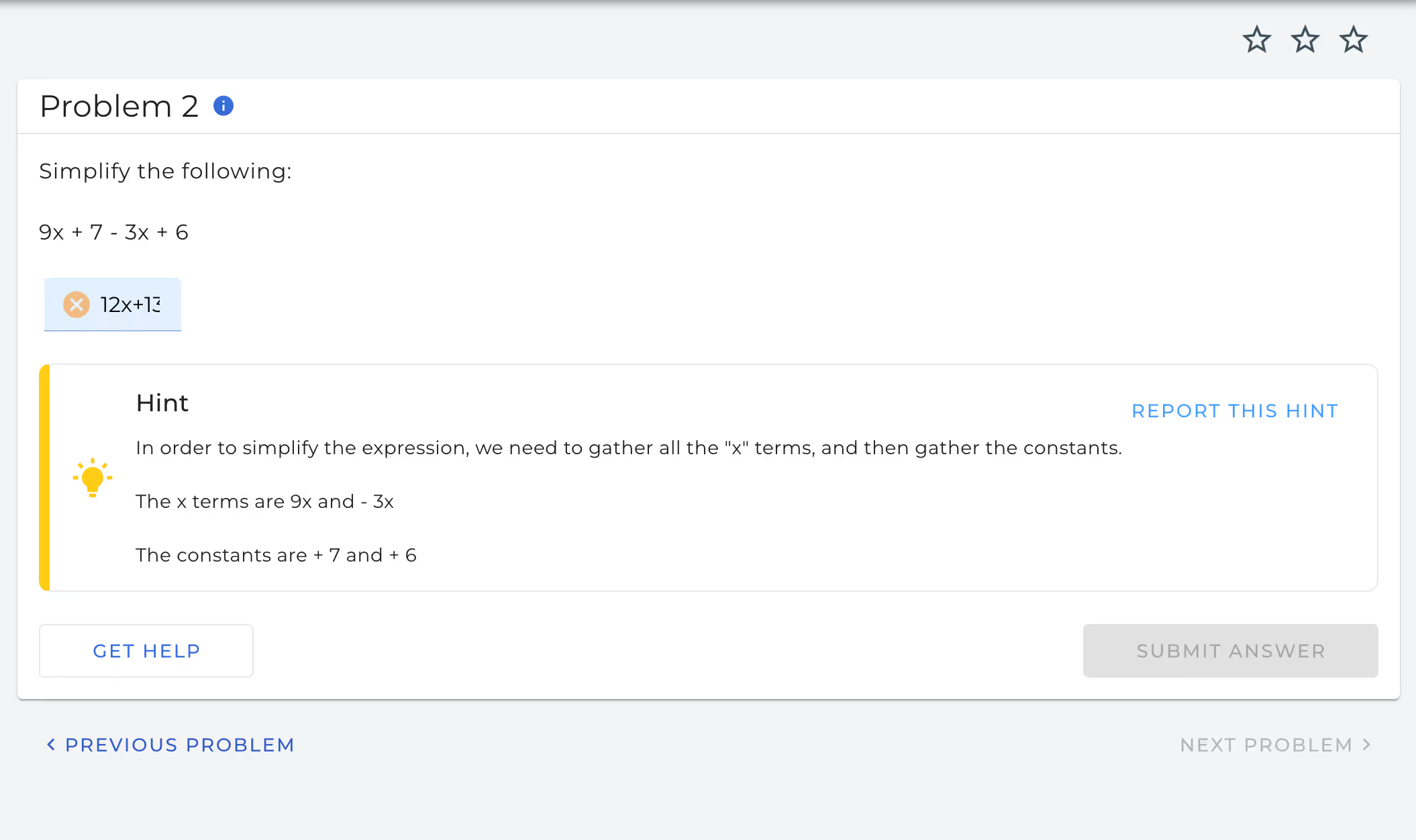



Smart Practice That Saves You Time
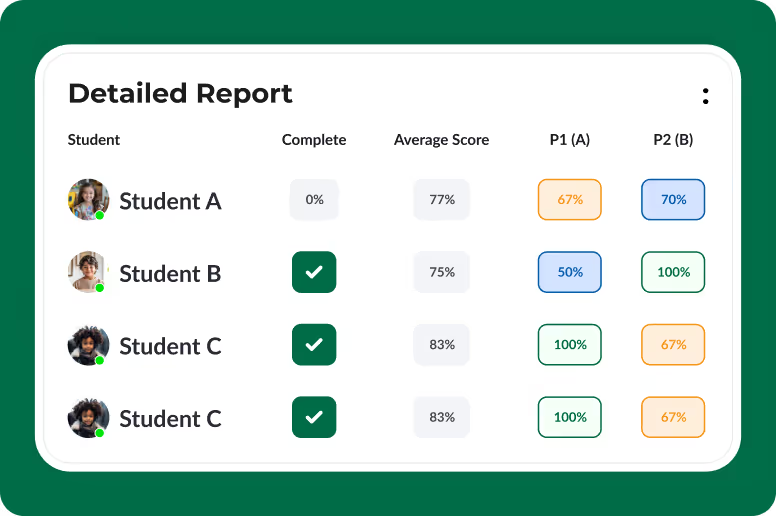
Data to Drive Instruction
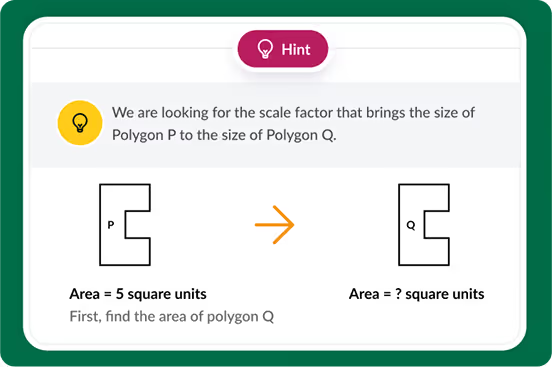
Immediate Feedback for Students
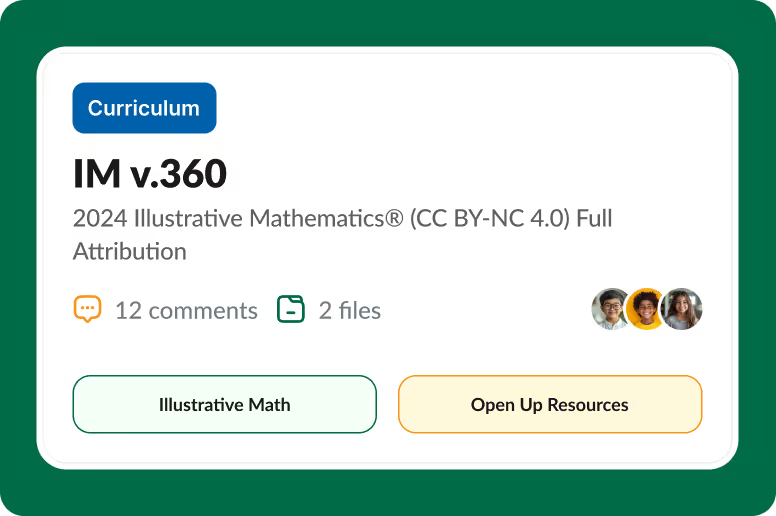
Use Your Own Curriculum
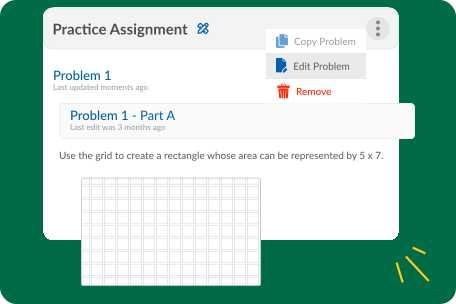
Customize With Ease

New! Read Aloud for a More Accessible Math Learning Experience
.avif)

Know What Students Need Before the Test

Customize Math Practice Like Never Before


Works with Your LMS
.svg)

Get Started in Minutes
FAQs
ASSISTments is a free online math platform that helps teachers assign curriculum-aligned practice, provide students with immediate feedback, and access real-time insights into student understanding.
Yes. ASSISTments offers a robust free platform that includes access to curriculum-aligned content, assignment creation tools, immediate student feedback, and reporting features.
Premium options are available for schools and districts seeking additional features and support. Visit for more details.
ASSISTments offers content aligned to several widely used curricula, including:
- Illustrative Mathematics® (including IM® v. 360)
- Kendall Hunt IM®
- Open Up Resources
- Eureka Math/EngageNY
- And other standards-aligned resources
Teachers can also create their own assignments and customize existing content.
Yes. ASSISTments uses AI to provide timely support for students and to help teachers better understand student learning. AI is used as a tool to solve challenges that would otherwise require significant time and effort. The goal is to improve understanding and persistence—not to replace teachers or complete work for students.
Yes. Teachers can build their own problems and assignments from scratch or customize existing resources to meet the needs of their students.
Yes. Teachers commonly use ASSISTments for:
- Independent practice
- Homework
- Bell ringers
- Exit tickets
- Small-group instruction
- Intervention
- Test preparation
ASSISTments is web-based and works on most internet-connected devices, including Chromebooks, laptops, and tablets. No special software is required.
ASSISTments maintains procedures for detecting, investigating, and responding to security incidents. If a breach involving protected student information is confirmed, affected districts will be notified promptly in accordance with applicable laws and contractual requirements. ASSISTments will provide information about what occurred, what data may have been affected, the steps being taken to address the issue, and any actions schools may need to take. Protecting student information remains a core commitment of our privacy and security program.
Teachers can access:
ASSISTments supports teachers and students in grades 1-12. It is used by individual educators, schools, and districts to enhance daily instruction and provide meaningful practice opportunities.
Teachers assign math problems or problem sets to students. As students work, they receive immediate feedback and support. Teachers can monitor progress in real time and identify misconceptions before they become larger learning gaps.
Students receive immediate feedback on their answers and may receive hints, explanations, or opportunities to revise their work. This helps students learn from mistakes while they are practicing and encourages productive persistence.
Yes. Teachers have access to reports that show student responses, common misconceptions, and overall performance. These insights can help teachers plan instruction, facilitate discussions, and provide targeted support.
Yes. ASSISTments content is aligned to state standards and leading mathematics curricula to help ensure students are practicing grade-level mathematics.
Yes. ASSISTments integrates with popular platforms, including:
- Google Classroom
- Canvas
- Schoology
- Clever
Browse a full list of supported learning management systems here.
Yes. ASSISTments is committed to protecting student privacy and maintaining secure data practices. The platform complies with applicable federal and state privacy requirements. Learn more about our privacy policy here.
Teachers can create a free account and begin assigning practice in just a few minutes. Professional learning resources, tutorials, and support materials are available to help educators make the most of the platform.
Yes. Schools and districts can implement ASSISTments at scale with ASSISTments Plus. District leaders will have access to additional support, professional learning opportunities, and premium features.
If you’re looking for information regarding best practices for AI features, please visit the AI Methods & Approaches page.
.avif)


