


How can I reference the math problems from the assignment when viewing the assignment report?
There are a few different ways to view and reference math problems from an assignment when viewing the Assignment Report.
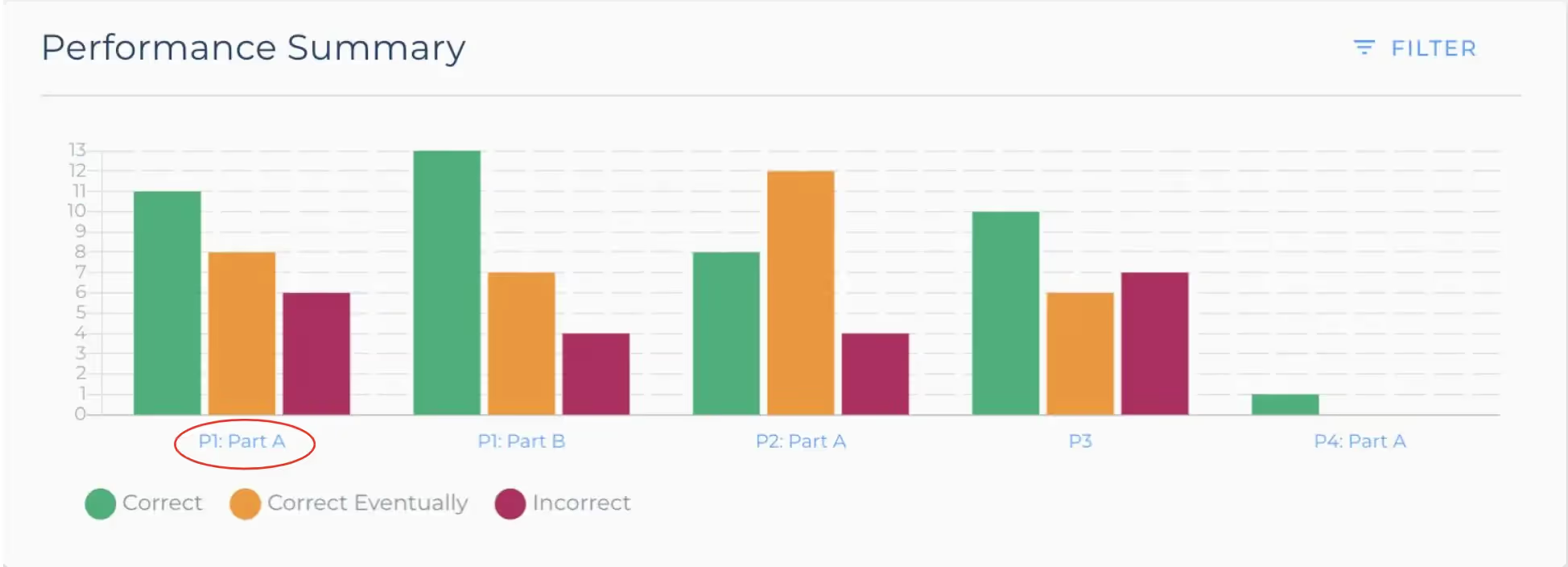
1. In the Performance Summary, click any blue entry on the x axis.
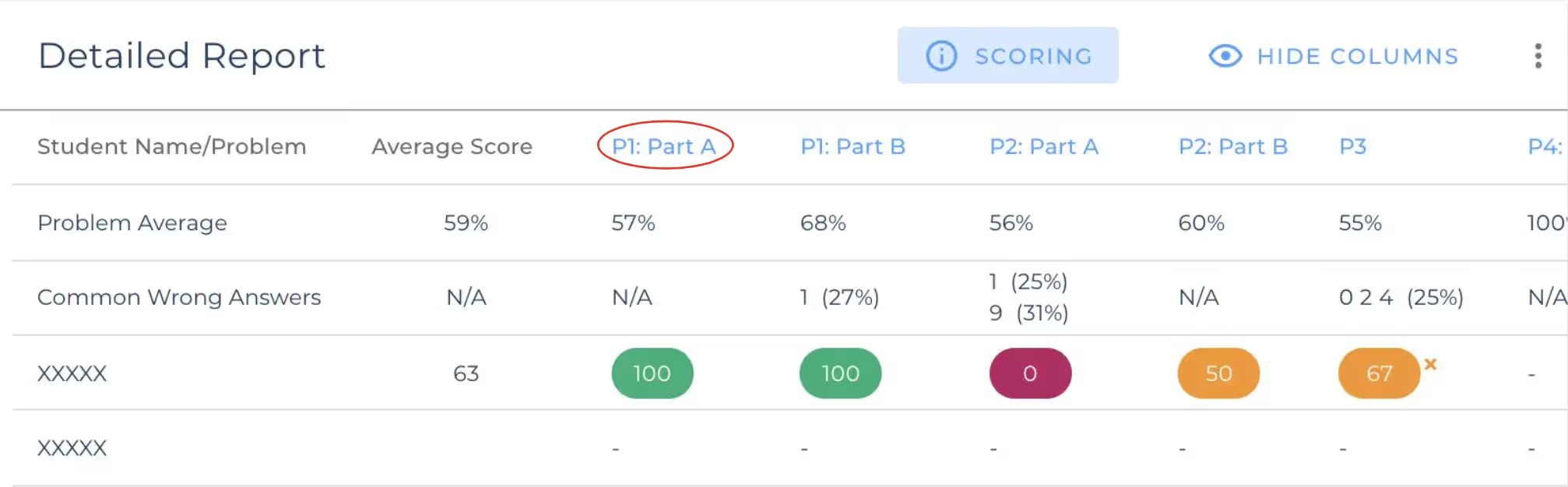
2. In the Detailed Report, click the header for any column.
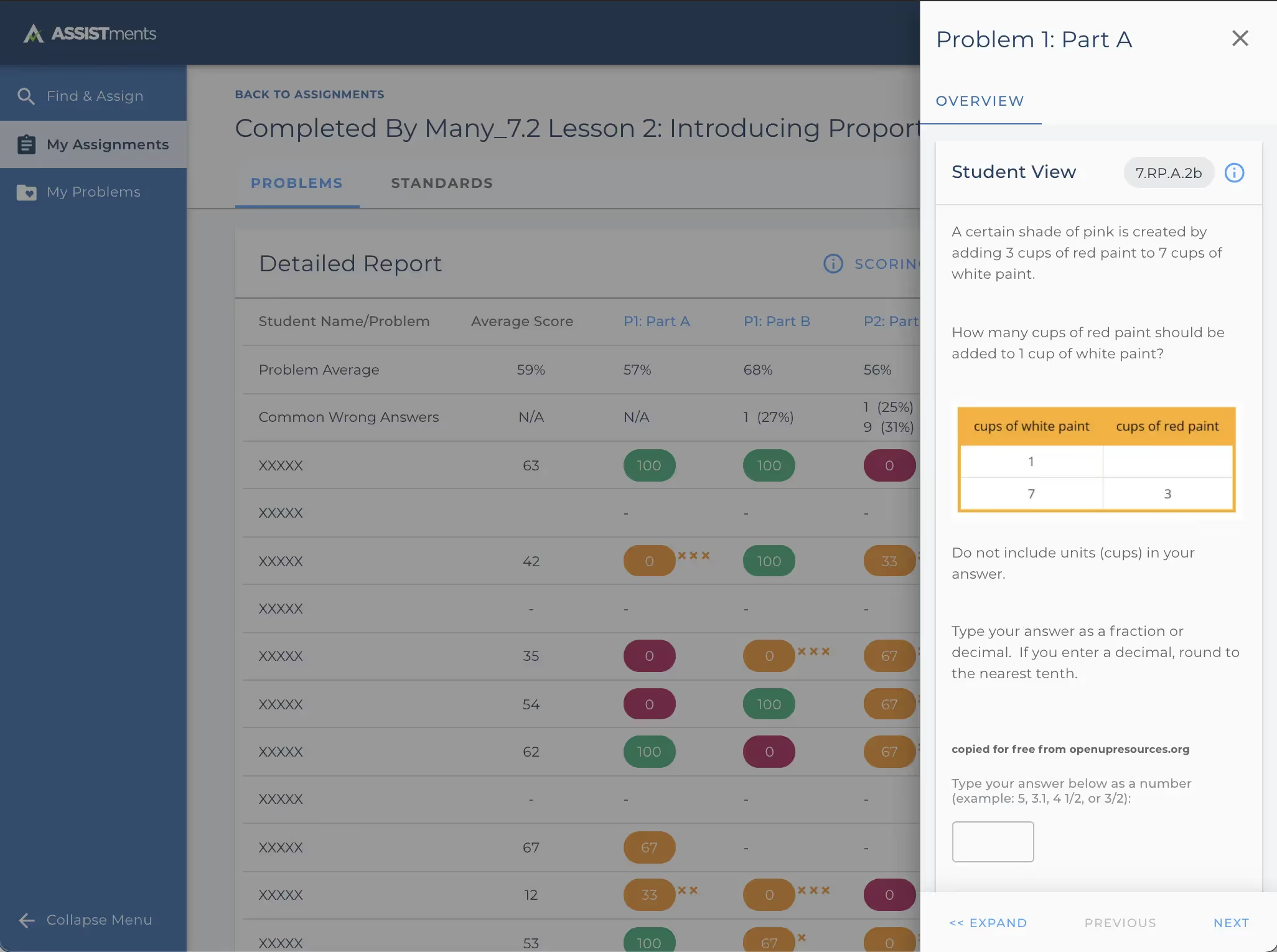
Once you click either of these options, a side panel will appear on the right side of your screen showing the problem you've selected.
There are a few different ways to view and reference math problems from an assignment when viewing the Assignment Report.
1. In the Performance Summary, click any blue entry on the x axis.
2. In the Detailed Report, click the header for any column.
Once you click either of these options, a side panel will appear on the right side of your screen showing the problem you've selected.
Didn't Find What You Were Looking For?
.avif)
Charitable Number: 83-4228740


