


In Google Classroom, I see an assignment marked as "turned in", but when I look at the assignment report, there are no responses for that student. How did that happen?
In Google Classroom, students can press the "mark as done" button whether or not they actually completed the assignment.
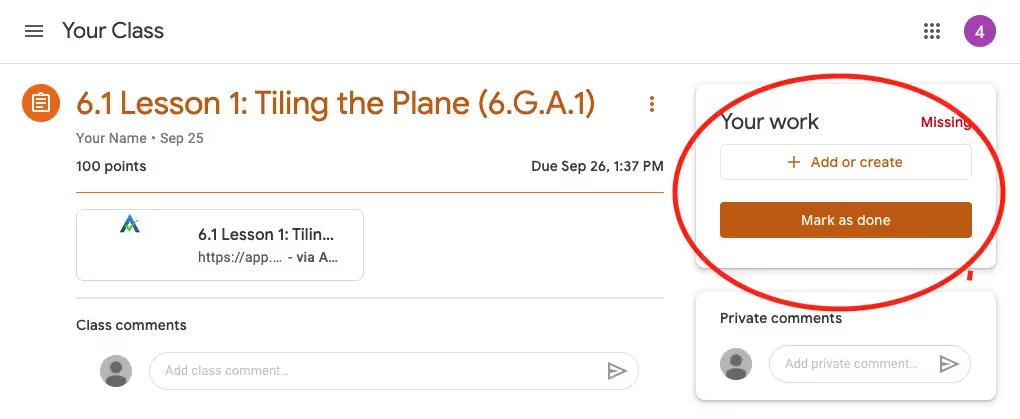
ASSISTments will automatically mark a student's work as "turned in" within Google Classroom when they complete their assignment, so as a rule, we recommend reminding students they should not click this button. When it doubt, looking at the assignment report itself is the surest way to know who has completed their work.
In Google Classroom, students can press the "mark as done" button whether or not they actually completed the assignment.
ASSISTments will automatically mark a student's work as "turned in" within Google Classroom when they complete their assignment, so as a rule, we recommend reminding students they should not click this button. When it doubt, looking at the assignment report itself is the surest way to know who has completed their work.
Didn't Find What You Were Looking For?
.avif)
Charitable Number: 83-4228740


