


5 Tips for Getting Started
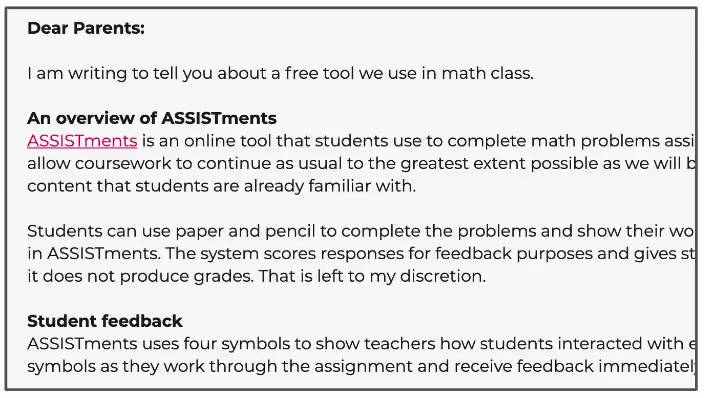
Tip #1: Message to students and parents that the score from ASSISTments will not be used as a grade. You can modify and send our parent letter template to support this outreach.

Tip #2: Create a system that ensures students show their work. You can try using our Student Reflection Form.

Tip #3: Make the first assignments low-stakes so students can get to know the system. You can try using our Student Practice Assignments! Learn more about how to use these Practice Assignments here.

Tip #4: Start reviewing assignment data from Day 1. Build this habit early! You can check out this video of an ASSISTments teacher reviewing data remotely.

Tip #5: Model a clear protocol for open response questions (e.g. upload a picture, use an online drawing tool, take a screenshot). You can try using our Open Response Student Tutorial.
Tip #1: Message to students and parents that the score from ASSISTments will not be used as a grade. You can modify and send our parent letter template to support this outreach.
Tip #2: Create a system that ensures students show their work. You can try using our Student Reflection Form.
Tip #3: Make the first assignments low-stakes so students can get to know the system. You can try using our Student Practice Assignments! Learn more about how to use these Practice Assignments here.
Tip #4: Start reviewing assignment data from Day 1. Build this habit early! You can check out this video of an ASSISTments teacher reviewing data remotely.
Tip #5: Model a clear protocol for open response questions (e.g. upload a picture, use an online drawing tool, take a screenshot). You can try using our Open Response Student Tutorial.
Didn't Find What You Were Looking For?
.avif)
Charitable Number: 83-4228740


